Galleries & delivery
Deliver work worth opening.
Private galleries, client favourites and original downloads. Upload photographs, RAW files and video with resumable transfers.
Explore client galleriesPHOTOGRAPHY BUSINESS SOFTWARE
Clients, bookings and galleries.
One connected workspace.
Run the business behind your photography. Keep jobs, invoices, expenses, mileage, equipment and client delivery together.
One calendar month. No credit card. No automatic charge.
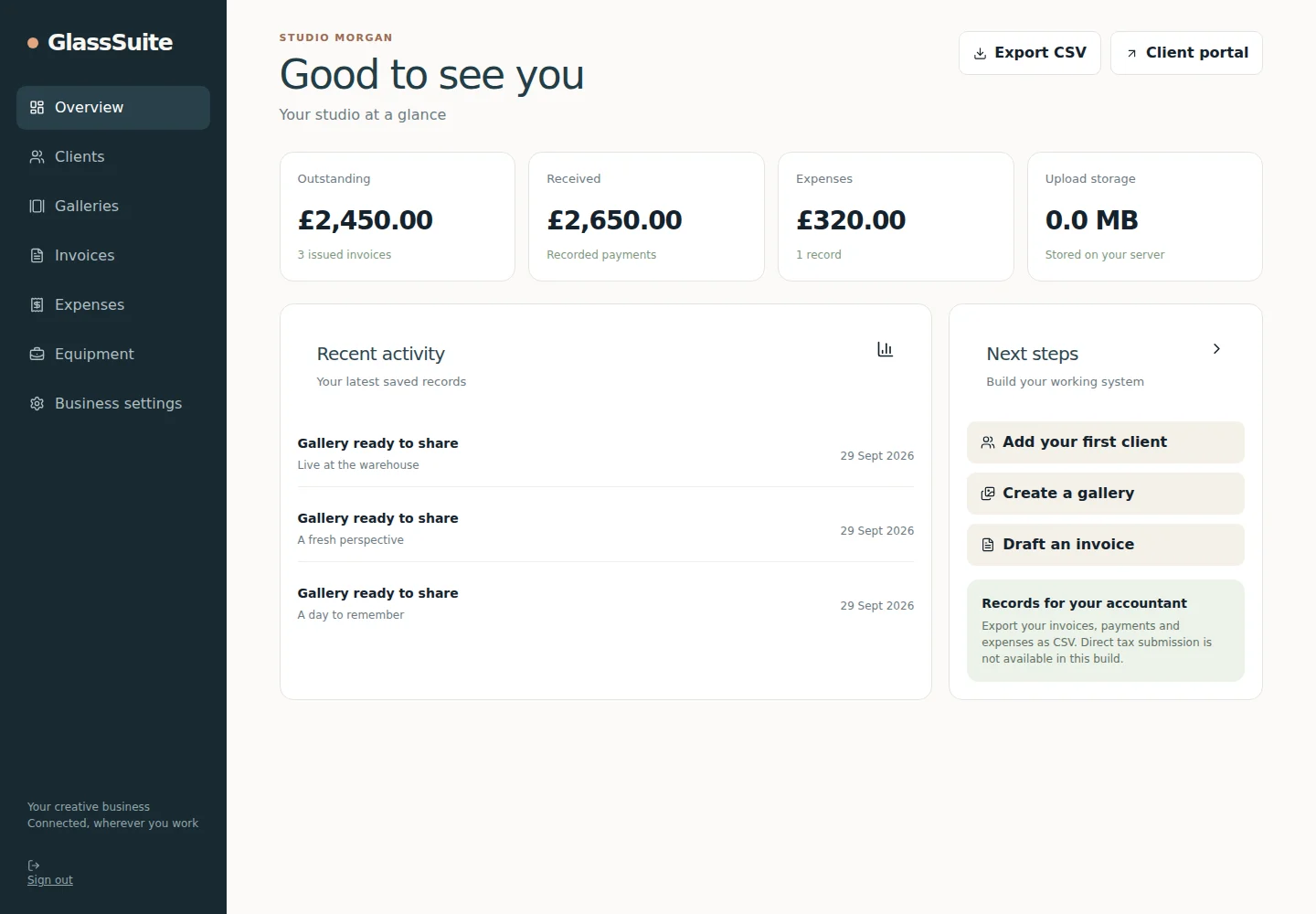
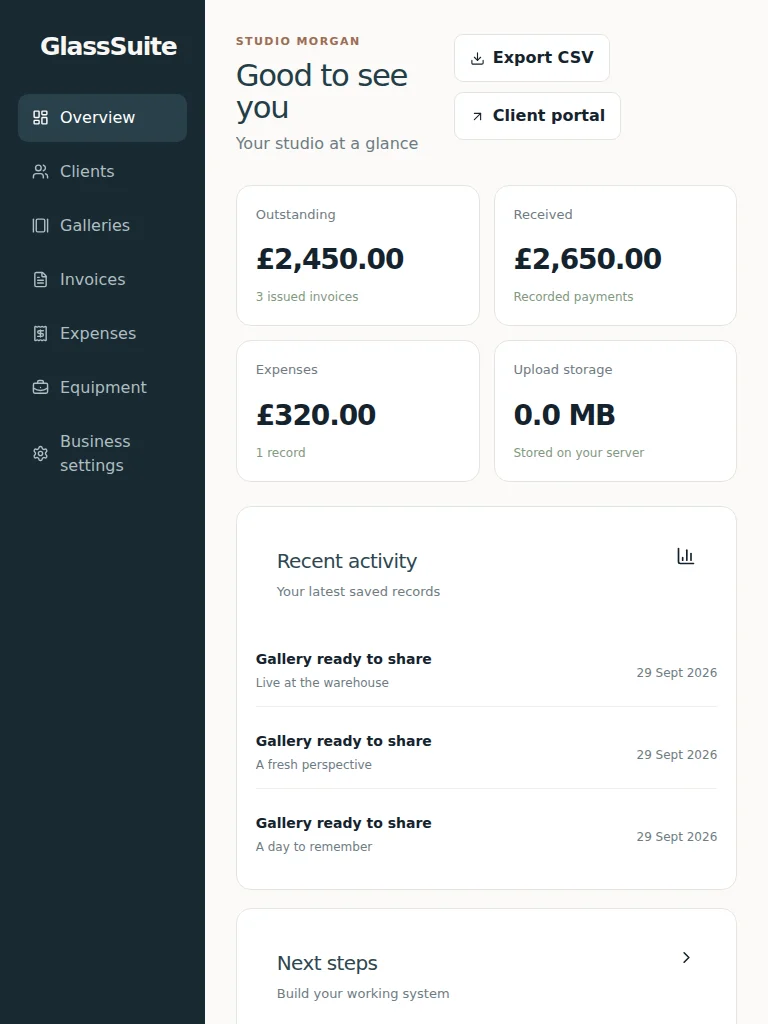
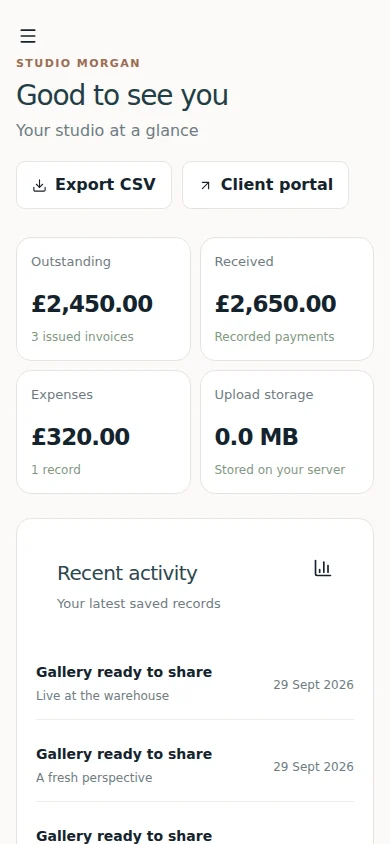
Product screenshots with illustrative studio data.
Private galleries, client favourites and original downloads. Upload photographs, RAW files and video with resumable transfers.
Explore client galleriesConnect client details, quotes, bookings and project history. Keep the job together from first conversation to delivery.
Explore the workspaceInvoices, manual payment records, receipts and mileage. Share selected records with your accountant through a read-only link.
Explore expenses & mileageKeep cameras, lenses, warranties and certificates in one register. Build a kit list for each job and manage rental records.
Explore equipment toolsTHE BUSINESS BEHIND THE PHOTOGRAPHS
A gallery is part of the job. GlassSuite also helps you organise the costs, travel, equipment and records around it.
Follow a client through the job, with linked bookings, dates, invoice drafts and delivery. You decide when to confirm and share.
Bookings & calendarRecord expenses, receipts and actual business journeys. Give your accountant a selected, time-limited view of the records you choose.
Invoices & recordsKeep original files in private galleries. See your allowance and review more storage or a future downgrade from the same workspace.
Storage & plan changesCONNECTED FROM THE START
Create or link a client once. Keep their quotes, bookings, dates, assets, money and delivery together, without re-entering the same details.
Avery · Brand portraits
18 June · 10:00–13:00
Camera · Lens · Lighting
Brief · Prepare assets · Shoot
Draft for the same client
Brand portraits · Delivered
The client and job stay linked as you confirm the booking, prepare invoice drafts and deliver the gallery.
Illustrative job journey. You control confirmations, drafts and delivery; the animation does not imply unattended automation.
WHY GLASSSUITE
One place for the moving parts of your business. Spend less time copying client details, matching dates and finding the right files.
Keep your specialist tools where they help. GlassSuite joins the everyday business work together.
One connected workspace, with the client and job kept together.
FEWER SUBSCRIPTIONS TO JUGGLE
Gallery delivery and business admin can add up before you pay for cloud storage. Here’s an illustrative monthly budget to compare with GlassSuite Studio; the tools you keep will affect your saving.
Illustrative budget difference £14/month£168 over a year at the monthly Studio price.
Cloud storage could add another £10/month in this example. It is excluded from the total because storage needs vary.
Example costs for overlapping tasks, not complete product replacements, supplier quotes or a guaranteed saving. GlassSuite is in early access. Photo editing, tax filing and independent backup costs are separate and excluded from this comparison.
SPACE TO GROW
All current tools, with storage to suit your work. No card is needed for your calendar-month trial. New Free accounts get Essentials benefits and 20 GB during the trial; selecting a larger plan does not grant its storage.
£0 / no subscription fee
A first small collection
£12/month
Occasional shoots
Or £129.60 paid yearly. Save 10%.
£24/month
Regular client work
Or £259.20 paid yearly. Save 10%.
£39/month
Larger collections & video
Or £421.20 paid yearly. Save 10%.
For studios, production companies and organisations with larger storage, workflow, team or infrastructure requirements.
MADE FROM REAL PHOTOGRAPHY WORK
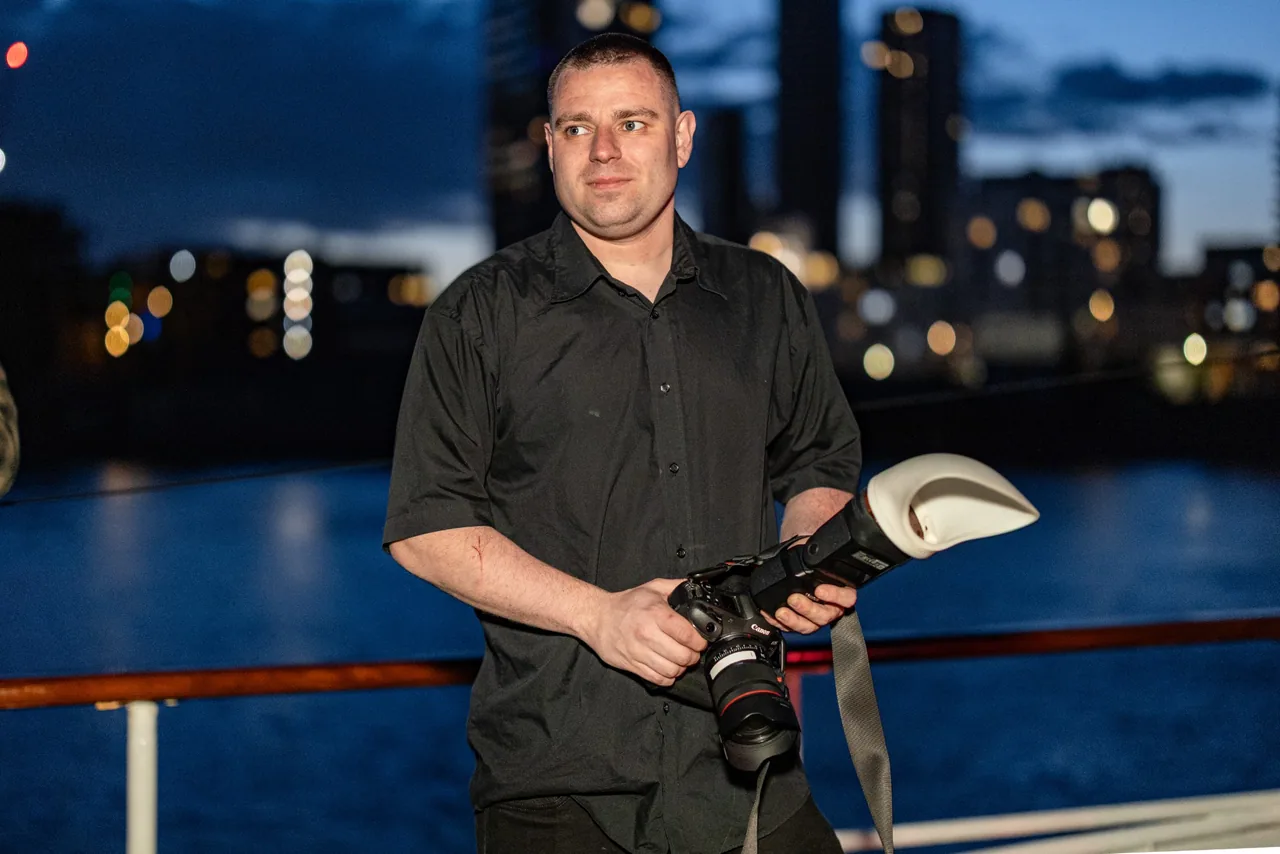
I’m Charles, a wedding, event and theatre photographer. I started GlassSuite because I wanted software that fitted the way I work.
Clients, quotes, bookings, finances and galleries should work together, without copying the same details between different apps. I’m building GlassSuite around real photography jobs, with one aim: to make running the business simpler and leave more time for the creative work.
A FEW USEFUL ANSWERS
GlassSuite is a business workspace that runs in your browser, for photographers, filmmakers and creative studios. It connects client records, quotes, bookings, your calendar, invoices, expenses, assets and private galleries.
Clients can view shared galleries and mark favourites through private links and their client portal. You choose whether original downloads are allowed. Sharing a gallery does not make it a public portfolio.
Free has 100 MB of storage, up to 3 saved clients and 1 saved gallery. All current workspace tools are included. Routine financial CSV imports and exports require a paid plan.
Create an account and confirm your email to receive one calendar month without a credit card. A new Free account gets Essentials benefits during the trial, including 20 GB. Choosing a larger plan does not grant its storage or charge you. Your existing licence and trial history are kept if you already have an account.
The trial ends without a charge or automatic renewal. Your underlying licence applies again. Your files are kept, and new uploads pause if you are above your allowance. Review your plan and storage in your workspace.
Existing subscribers review changes in their workspace. Supported same-cycle storage upgrades start after the reviewed payment is confirmed. Downgrades and monthly/yearly changes wait until the paid period ends. A manually assigned licence does not need to be bought again.
GlassSuite helps organise GBP invoices, expenses, receipts and mileage for your own review or your accountant. Tax filing, bank reconciliation, photo editing and a print store are not current features.
TRY A REAL JOB
Create your account and try GlassSuite for one calendar month without a card. Start with a client, organise the job and deliver a private gallery.
Made for photographers, filmmakers and creative studios worldwide. GlassSuite is in early access.
Already have an account? Sign in to keep your existing licence and trial history.